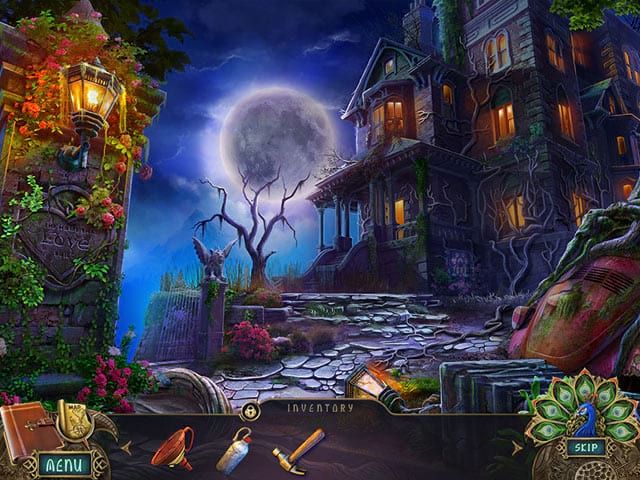
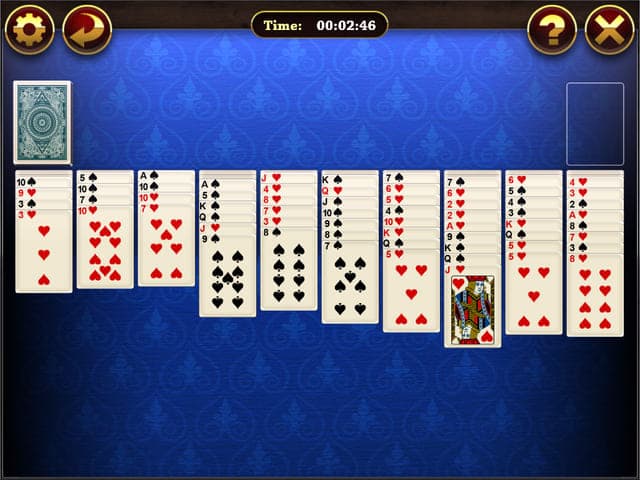
Are you looking for a way to enjoy free games on your computer without breaking the bank? Look no further than GameTop! We offer a wide variety of free computer games that are sure to provide hours of entertainment for gamers of all ages and skill levels. With full versions available for download to Windows desktop or laptop, unlimited gameplay, and no time limits or ads, GameTop provides a hassle-free and enjoyable gaming experience.
At GameTop, we take pride in providing our users with a safe and legal gaming experience. All of our computer games are legally licensed, meaning you can download and play them with confidence. We believe in fair play and respect the intellectual property rights of game developers, so you can enjoy our games knowing that they are authentic and legitimate. So, whether you're a casual gamer or a die-hard enthusiast, you can enjoy the best computer games for free at GameTop with peace of mind.
We offer a variety of popular and exclusive games from 2023, 2022, 2021, 2020, and older, including classic titles and new releases. Whether you're a fan of action, adventure, strategy, or puzzle games, we've got something for everyone. We are constantly adding new titles to our collection of free games for personal computers, so you'll always have something new and exciting to play. Plus, we are committed to providing our players with the best possible gaming experience, free of ads and time limits. Check out our collection of the best games and find your next gaming obsession!
Why spend your hard-earned money on personal computer games when you can download them for free? With GameTop, you'll have access to a wide variety of full-version games that are entirely free to play. Plus, our games are free of ads and time limits, so you can play as much as you want without interruptions. Download free games on your Windows desktop or laptop from GameTop and enjoy fun and hassle-free gaming today!
At GameTop, you'll find a wide selection of free computer games that are easy to download, hassle-free, and provide unlimited gameplay. With no time limits or ads, you can enjoy hours of fun and entertainment on your Windows PC, laptop, or desktop. So why wait? Visit GameTop today and start playing!